EASTERAPR 9

Thursday within the Octave of Easter

Missal Page
614
ANGELUS PRESS (1962)

FEASTS AHEAD
Apr 13

Feast of St. Hermenegild, Martyr

Apr 14

Feast of St. Justin, Martyr

Apr 21

Feast of St. Anselm, Bishop, Confessor, Doctor

TODAY • p. 614 (ANGELUS PRESS)
Thursday within the Octave of Easter
FEAST AHEAD • Apr 13
Feast of St. Hermenegild, Martyr
FEAST AHEAD • Apr 14
Feast of St. Justin, Martyr
FEAST AHEAD • Apr 21
Feast of St. Anselm, Bishop, Confessor, Doctor
TLM MISSAL COMPANION

Stop flipping and find the right
missal page

Get today's Mass readings at a glance in the traditional calendar, with reminders for Holy Days of Obligation, feast days, Ember Days, and penitential days.

Why Missal Page

Everything you need to keep the day's Mass close at hand.

Built to make the traditional calendar easier to follow, the missal easier to navigate, and the day's prayers easier to keep close.

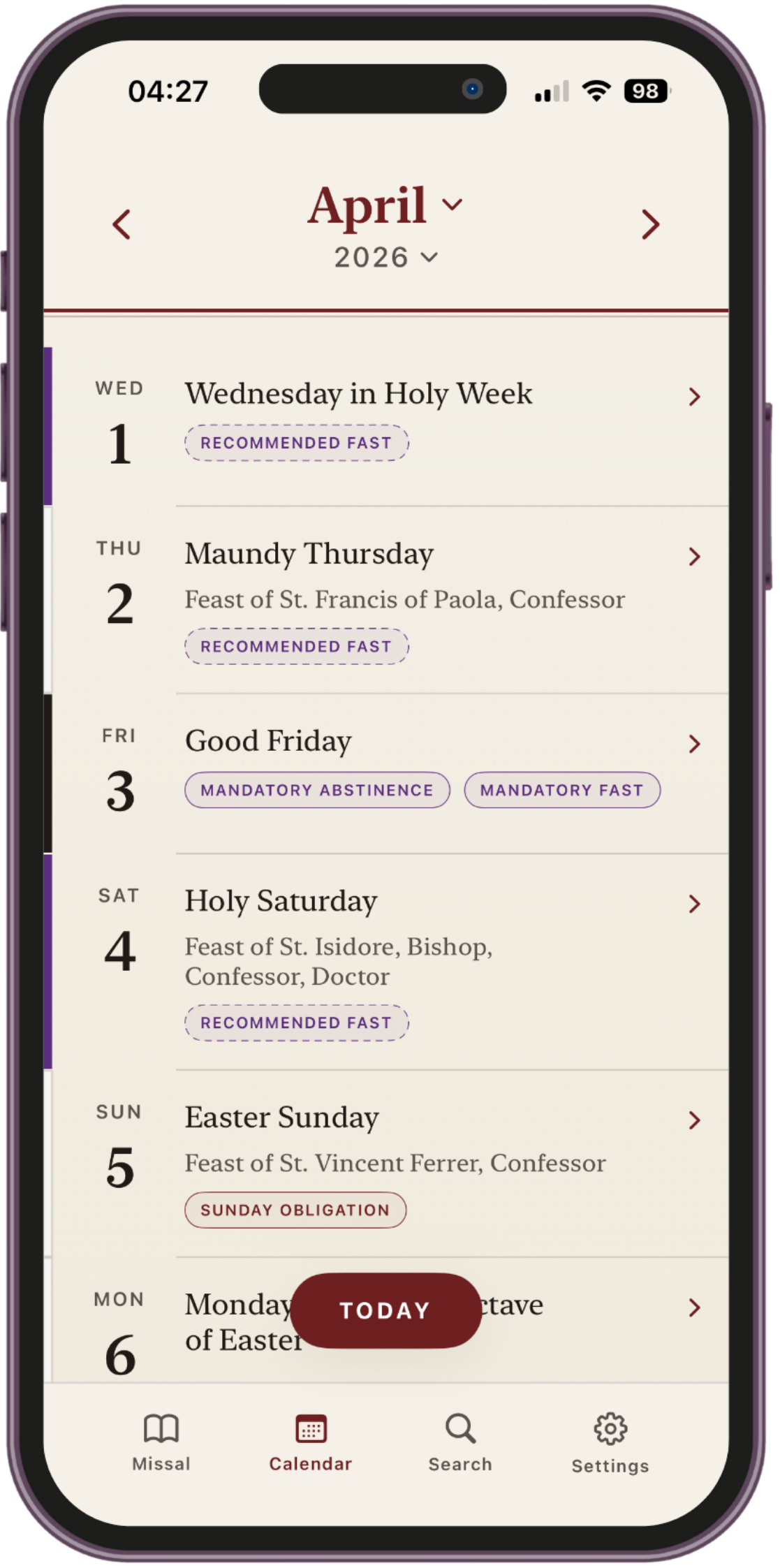
Follow the traditional calendar with clarity

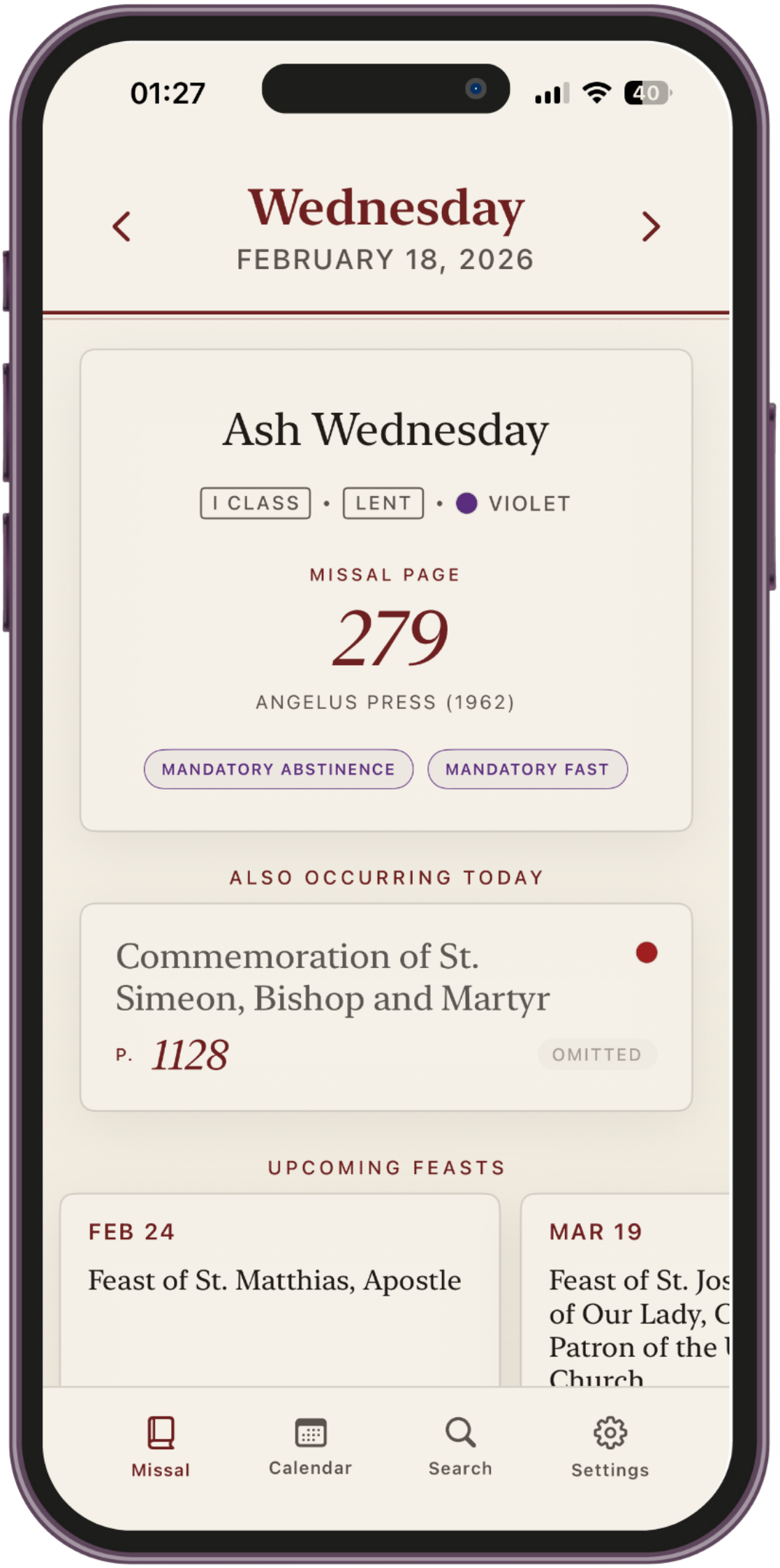
See the liturgical day in its full context, including feast, commemorations, season, class, and the broader rhythm of the traditional calendar in one place.

Receive reminders for the days that matter

Set reminders for Holy Days of Obligation, feast days, Ember Days, and days of fasting and abstinence so you can prepare ahead of time.

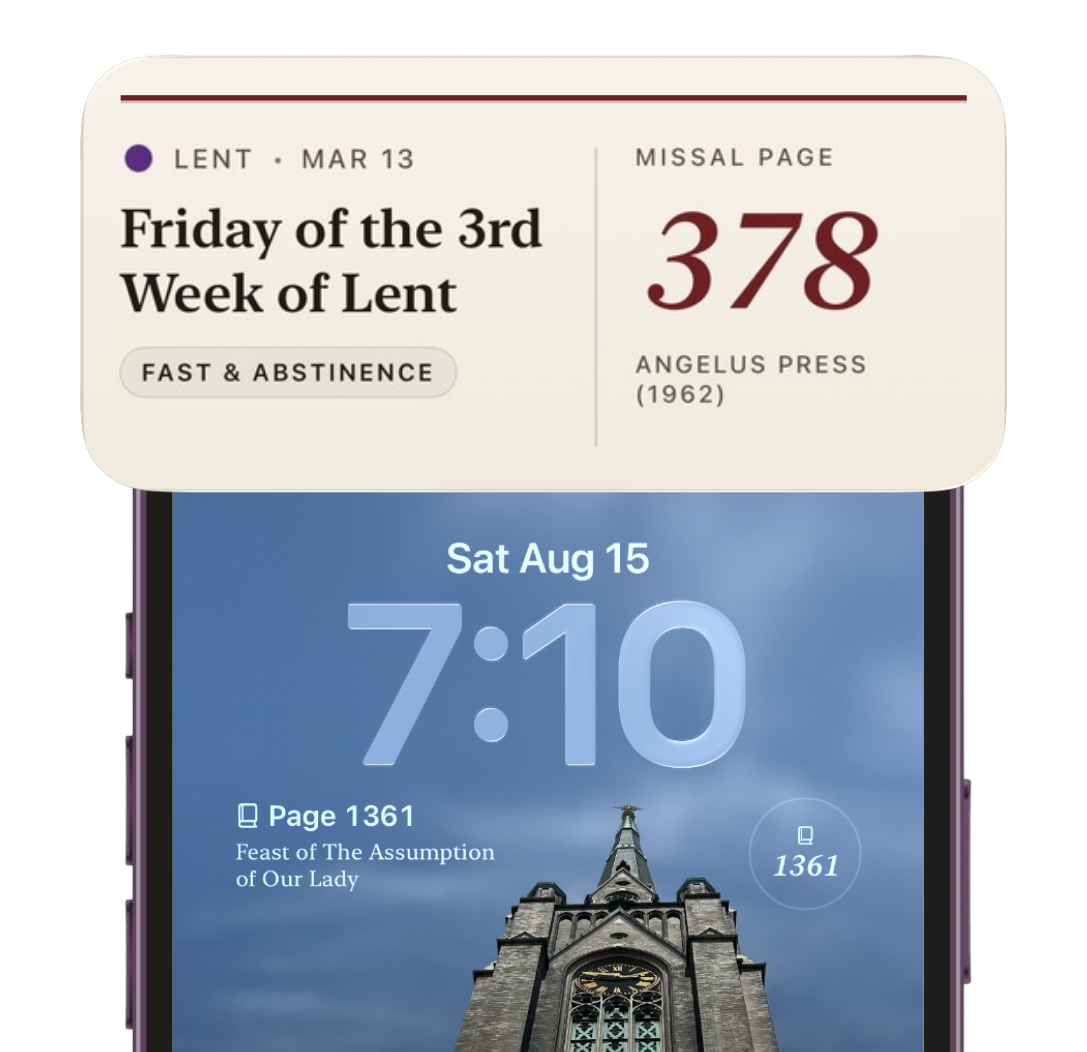
Keep today's Mass on your Home and Lock Screen

Widgets keep the day's page, feast, and calendar context visible at a glance when you are heading to Mass or planning ahead.

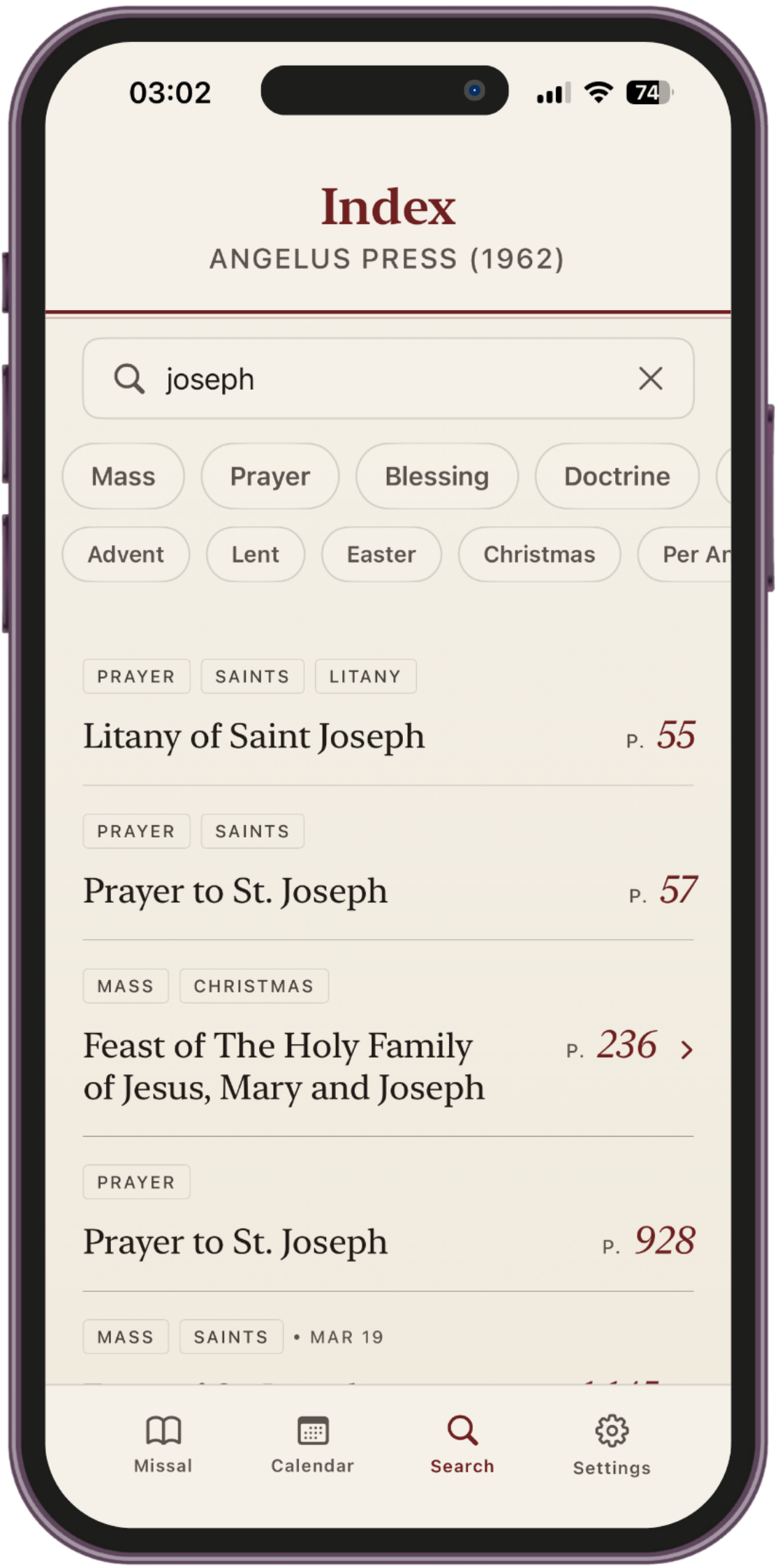
Smart Search

Search your missal faster for prayers, saints, feasts, and Masses. Mass entries are clickable, so you can jump straight to the relevant calendar date.

Choose the missal you use

Select the missal edition you pray with. Angelus Press is available now, with support for Fr. Lasance and the FSSP 1962 Daily Missal planned next.

Find the day's Vespers with ease

Quickly locate the proper pages for the day's Vespers, making it easier to pray the Divine Office without unnecessary page flipping.
Widget Setup

Set up widgets for the Home Screen and Lock Screen.

Keep the day's Mass, page, and calendar context visible with a quick setup in iOS. Add a larger widget to your Home Screen or a compact view to your Lock Screen depending on how you prepare for Mass.

Add to the Home Screen

  1. Touch and hold an empty area on the Home Screen until the apps begin to jiggle.
  2. Tap Edit, then tap Add Widget.
  3. Search for Missal Page and choose your preferred widget size.
  4. Tap Add Widget, place it where you want, then tap Done.

Add to the Lock Screen

  1. Touch and hold the Lock Screen, then tap Customize.
  2. Choose Lock Screen and tap the widget area below the clock.
  3. Select Missal Page from the widget list.
  4. Tap the widget style you want, then close and tap Done.